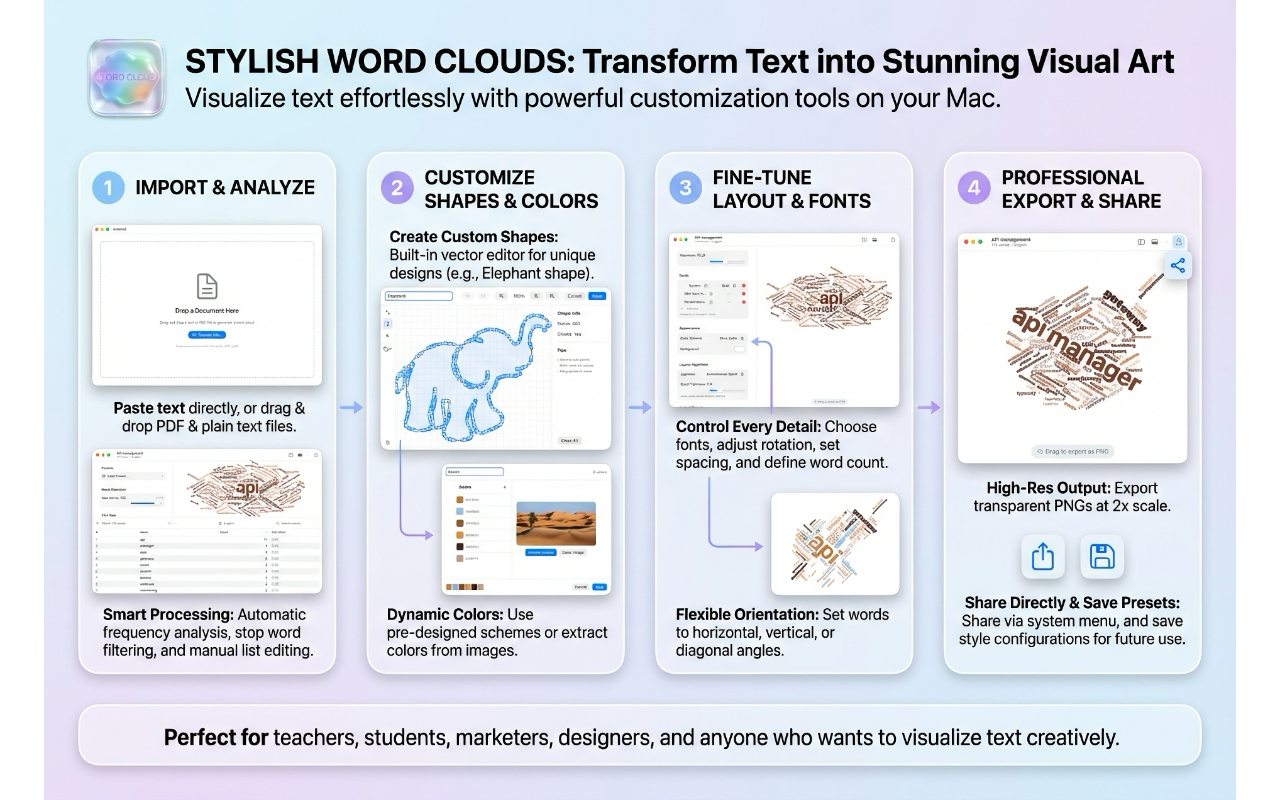
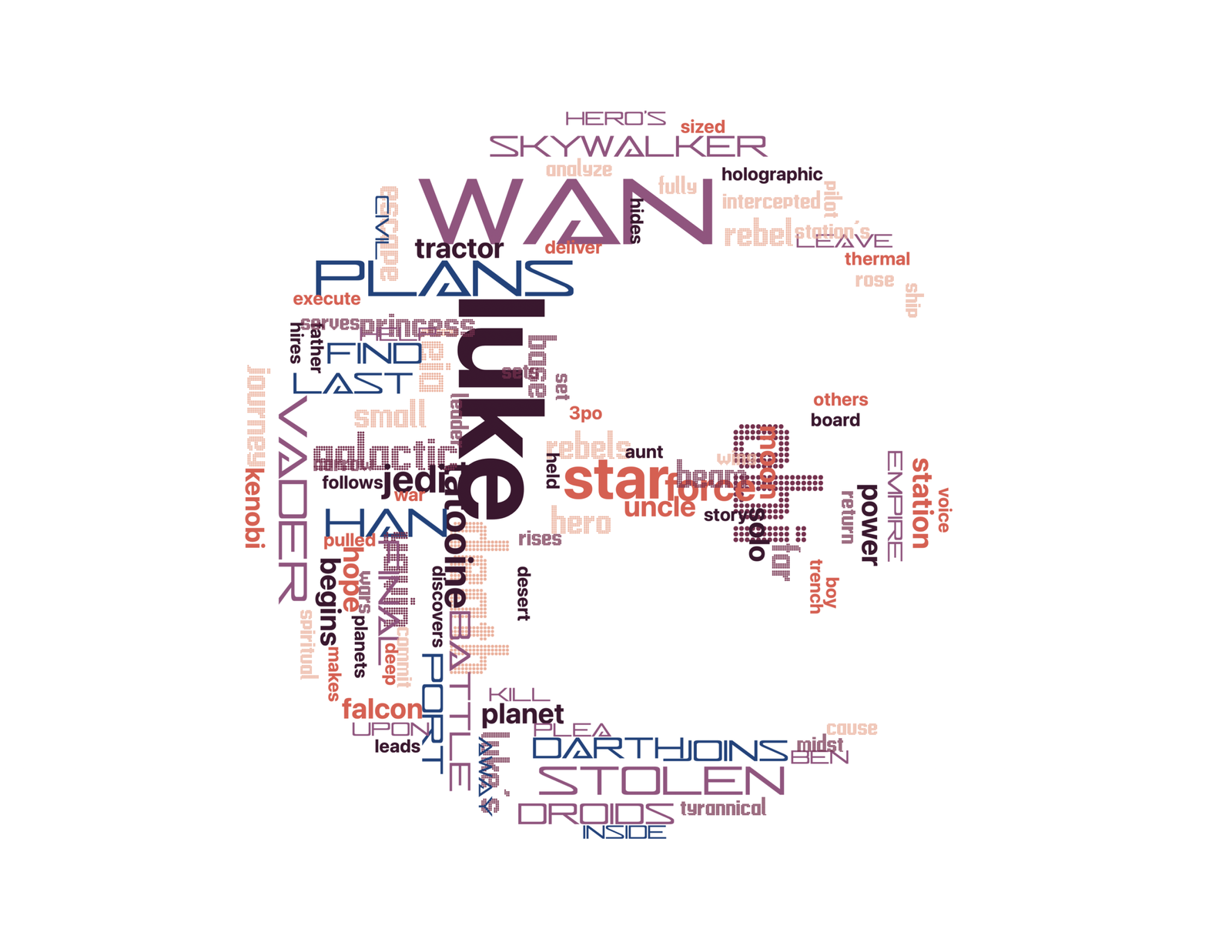
Last week I released Stylish Word Clouds 1.3 on the Apple App Store. The app is now localized in Spanish and French, in addition to English. This actually required a lot of work since the app is accessible and there is a lot of text supporting that functionality. That said, I am happy I did it and I hope to localize my other apps in the near future.
It took some time, but my fourth App Store app is now generally available on the App Store. I had no issues getting the Mac version approved, but the iPhone and iPad version were refused twice. The first issue was that the reviewer was unable to get the app to install on his iPad Air. That issue was really weird because it ran flawlessly on the simulator as well as on my iPad Pro.
Anyway, after passing that first hurdle, my app was once again turned down, this time because my promo images stated that the app was free. It turns out that developers cannot mention anything related to pricing either in the app’s description or marketing materials. That is something I didn’t know and a good lesson for next time.
Thankfully, Image Filters for Shortcuts is now available on the App Store and now that this process is behind me I can now focus on my next projects.
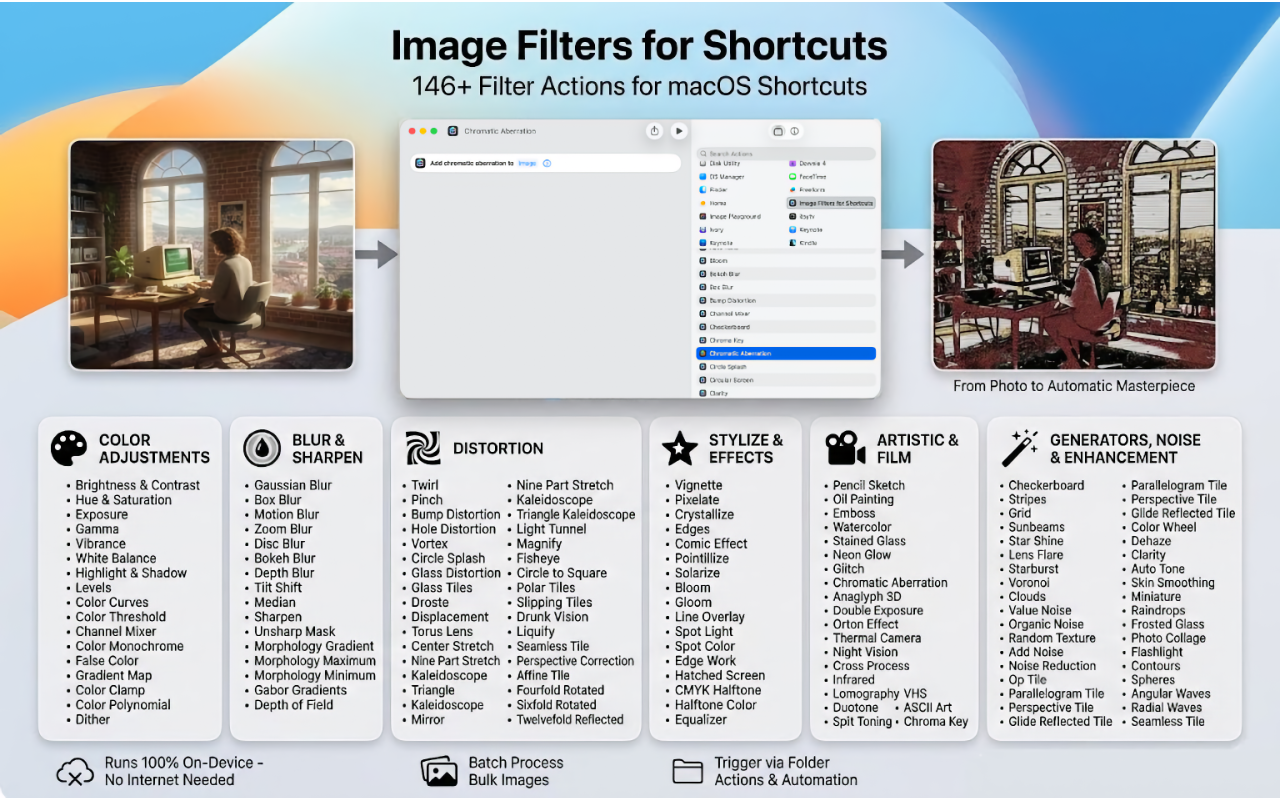
I have just submitted a new app for review, Image Filters for Shortcuts. Yes, I know, It has a rather long name, but I wanted to let people understand clearly what is was for. This app provides a lot of image filters (146) that can be used within Shortcuts. The app runs on macOS, iPadOS and iOS.
Although the app that lets users test each and every filter and play with different settings, that is not really the goal of the app. What I wanted was to make the Shortcuts ecosystem richer by providing new actions that everyone can use. Automation is becoming more and more important and I hope this app will help make Shortcuts even more useful.
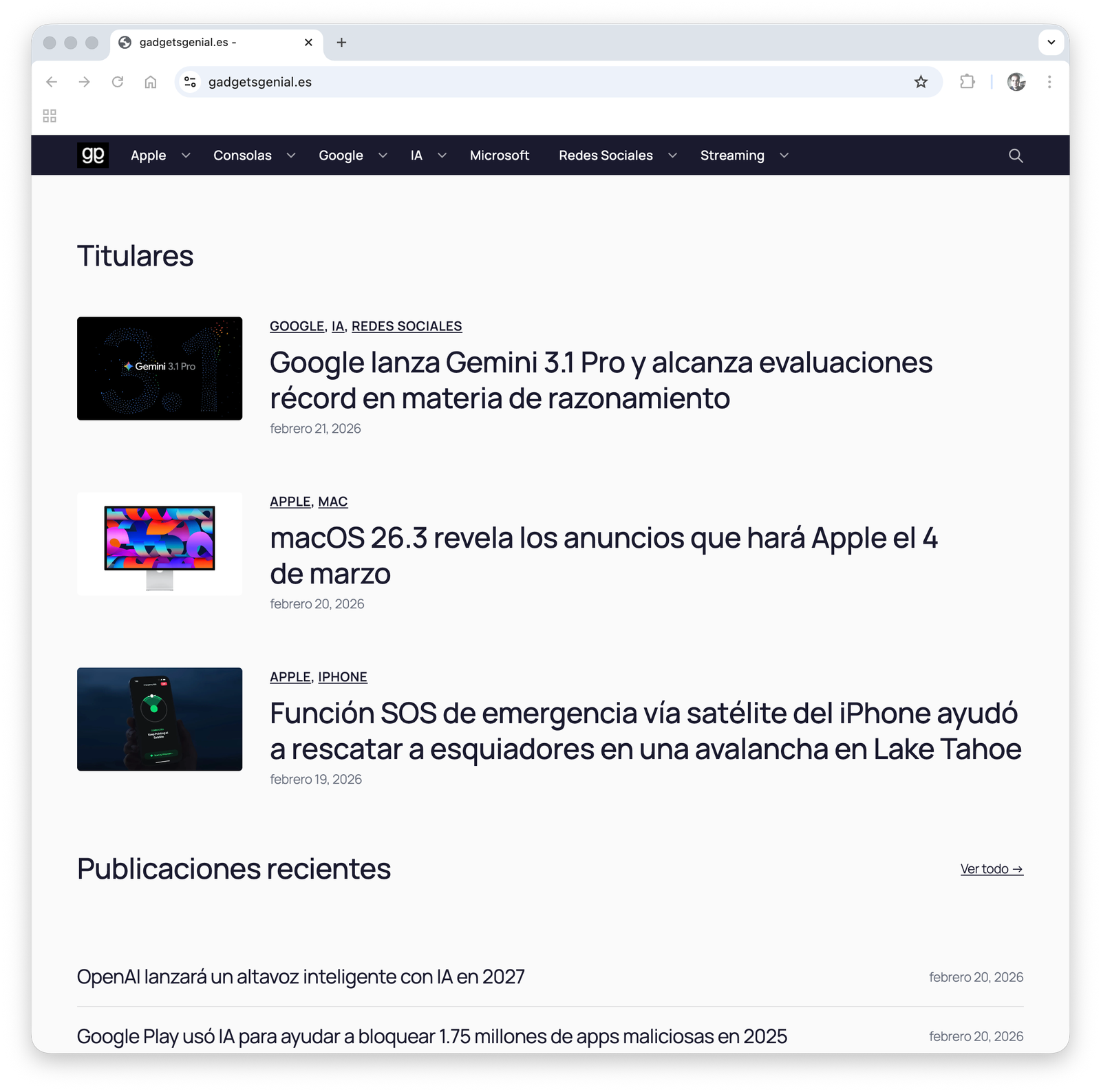
I started my career in tech when I published a program in a French magazine called l’Ordinateur de Poche. Years, later, when I ran an independent Apple retail shop, I created a magazine to keep my customers informed. When the Internet took off, I dreamt of running my own technology blog. However, writing articles takes time, and while I do have more time now that I am retired, this project still has to compete with other projects that I have in mind. As a result, I decided to create a completely automated workflow for article publication, that included, research, translation (if necessary), edition and image creation and editing that would allow me to publish an article in under five minutes. The goal was to have my blog and not spend more than a couple of hours daily working on it.
Well, the application is now working and I have published slightly under 50 articles in a couple of days. It still takes me more than five minutes to write an article in most cases, but I have been optimizing the process and there are still opportunities to make the whole process even faster.
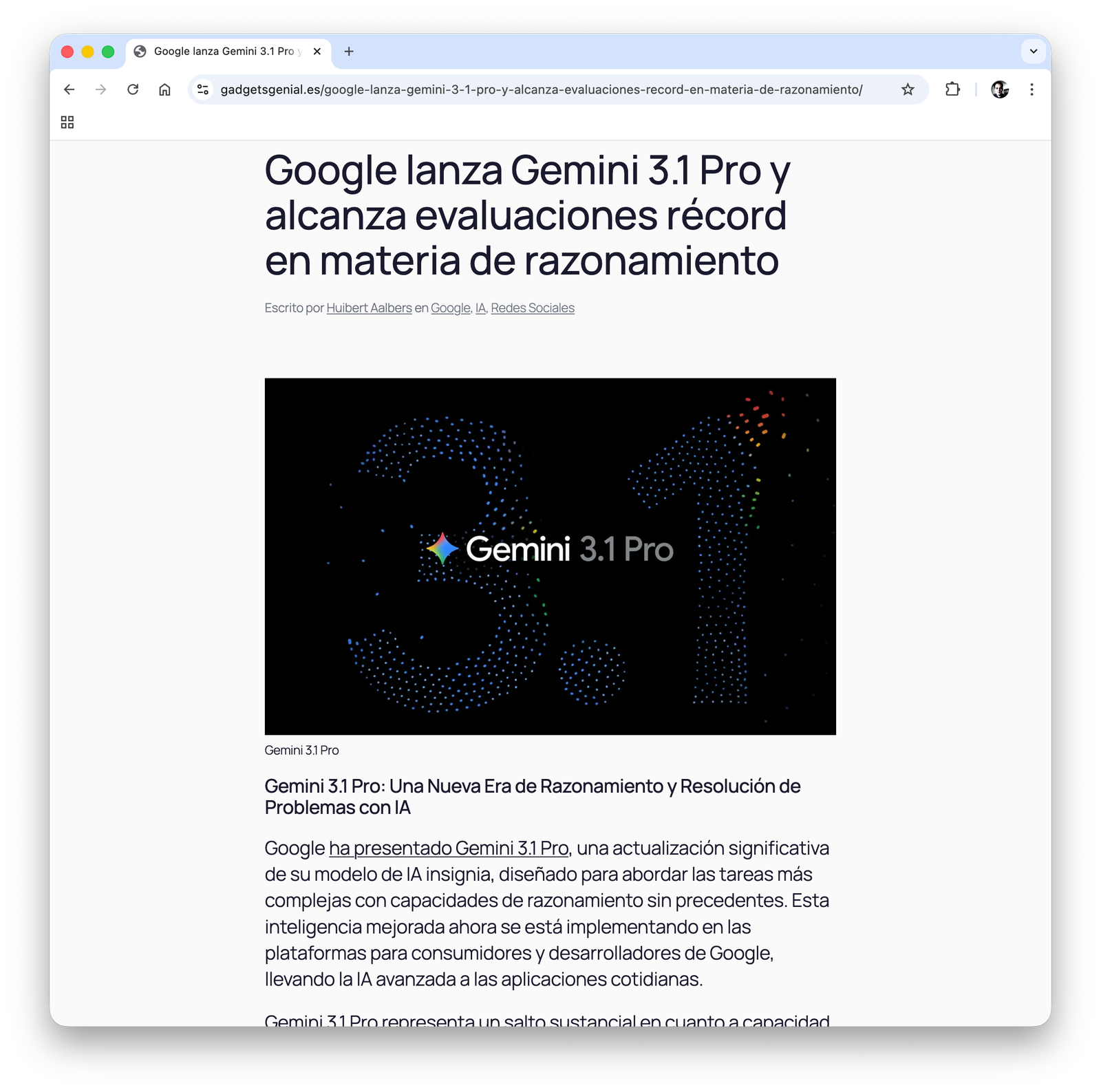
gadgetsgenial.esGemini 3.1 Pro announcedAirDrop support for Pixel 9Screenshots
Obviously, the project uses a lot of AI. Source articles (often press releases) are automatically translated when necessary and when an article has multiple sources, the AI merges them automatically, creating a coherent text that serves as the cornerstone for the article. However, the final touch, which involves adding context and personal opinions as well as adding insight still takes most of the time. AI provides some real time savers, though. For example, the app automatically chooses blog categories and extracts tags (both can be manually overridden).
I am not familiar with how modern newspapers work, but it seems that what I just described is the short term future for most journalists (from what I have read, some types of articles are even automatically generated with no human intervention). Humans are still necessary but one person can now handle the work of many writers. Journalism used to be a very fun and prestigious job. Now, with less budget, productivity has to increase and it feels more like a day at the factory.
If you can read Spanish you can visit my technology blog at gadgetsgenial.es.
After a 40 hours wait, WordCloud 1.1 is finally under review. That means that it should appear on the App Store in a couple of hours, if there are no surprises. I have used those nearly two days to further improve the app, making some small UI tweaks and fixing a couple of minor errors. However, based on the feedback of my friend Jorge Juan Gómez Basanta, I have added a new way to create masks, based on SF Symbols. This will give users instant access to a large library of useful masks.
However, implementing this feature was far from easy. Although the symbols are vector based, Apple provides no way to obtain that data and although I tried many tricks, I failed over and over. In the end I had to give up. The app now renders the image and traces it. That works well in 99% of the cases, but there are a few shapes that appear somewhat distorted. In my opinion, that is a small price to pay to unlock access to a large library of free masks. Therefore, this new feature will ship in an upcoming update.
Today I am launching a new app, Stylish Word Clouds. In my previous jib I had to create many presentations and I loved to include a word cloud to illustrate complex concepts. However, finding a powerful yet simple to use free app to create the occasional word cloud was always a challenge. That is why I started working on this project several months ago. However, now that I have more time at my disposal to work on my pet projects, the project has been moving forward more quickly over the past six weeks, specially once the core algorithm started to work.
The Mac is by far my favorite productivity tool and while I don’t have anything against web apps, I always prefer to work with native apps because workflows are more efficient on this platform. I hope that people enjoy this new app and use it to produce stunning Keynote presentations!
The app is currently under review and should be available soon on the Apple App Store.
LocalIntelligence 1.3 is all about providing a better user experience for those who are not familiar with the Terminal. Now, understanding Ollama’s CLI is no longer necessary, as pulling new models, updating models or removing models are all operations that can be executed from the GUI.
I have already begun work on version 2.0, but the feature I am most interested in adding to the app is proving to be harder to implement than I expected. I will keep everyone updated.
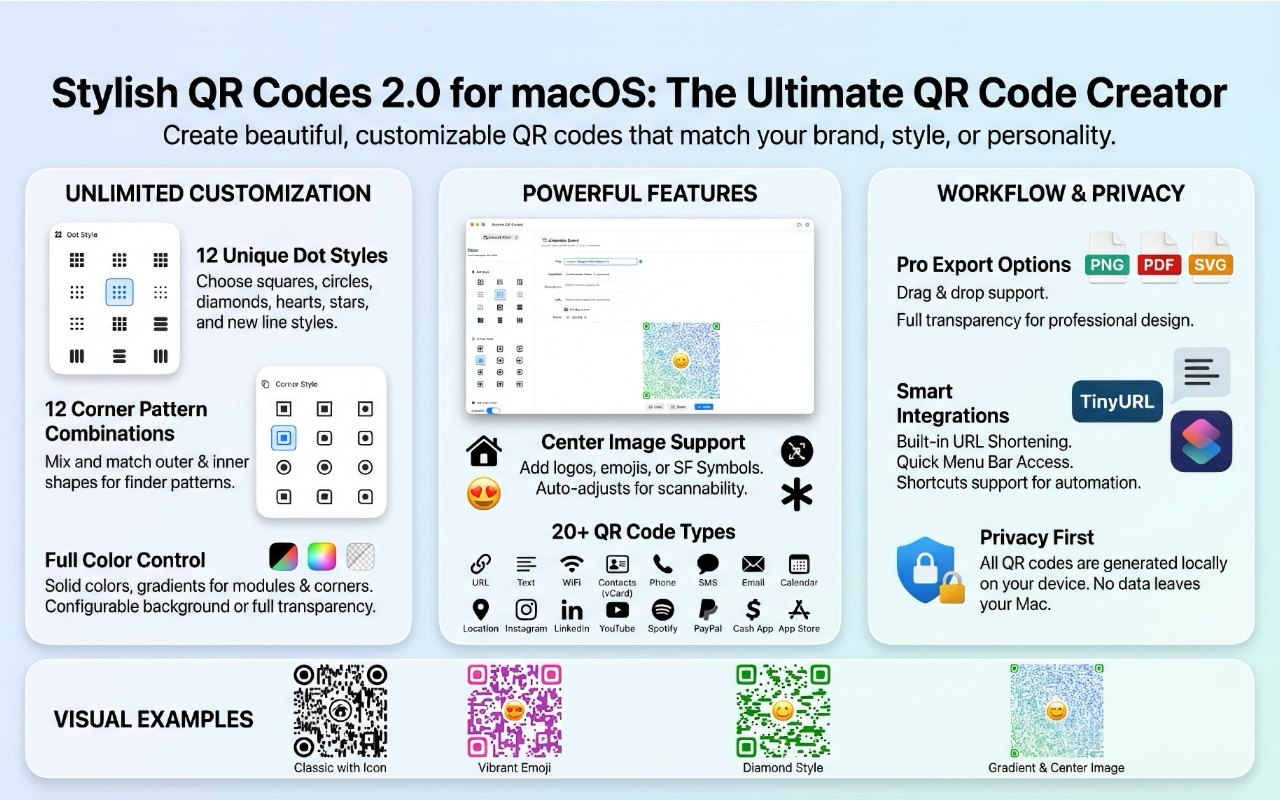
Stylish QR codes 2.0 is a significant upgrade. Not only have I added many QR code customization options, but I have also added new features to better integrate with the macOS ecosystem. For example, There is now an option to add a new menu item to the menu bar to quickly generate QR codes without having to open the app. I have also created a new shortcut that allows users to automate the QR creation process. Overall, version 2.0 is a much more useful and polished application. I hope you enjoy it and give me feedback.
I just submitted a new version of my QR code creation app. This new version adds integration with TinyURL. All you need to do is create a free account, request an API key and copy it into the Settings window. This was an important feature that I wanted to deliver as quickly as possible. Enjoy!
Now that I am happily retired, I am working harder than ever. Among the things I have done is modernizing my web site, which had many issues. The main one was that it had been designed before the first iPhone had been launched and, as a result, wasn’t designed for mobile. Even though most of my software is built for either the desktop (macOS) or the back-end, there was no justification for not upgrading it.
The new huibert-aalbers.com site has been completely rewritten in React.js and is fully responsive. I still use WordPress for my blog but at least I am on the latest version, running on a modern PHP version. In addition to that, my website’s source code is now on a private GitHub repository, which will simplify updating it in the future through automatic deployment. In short, I am now doing everything I used to tell my customers they had to do.
I have also switched to a new hosting provider that hopefully will allow me to reach a wider audience. In the past, I was always hitting CPU and bandwidth limits with Lunar Pages (now HostPapa) and that forced be to use very aggressive traffic filtering measures that saved me money but made my site unreachable for some users. That should no longer be the case.
Now that I have completed this important preliminary task, I can finally get back to my coding projects.