






Gemma 4: Google’s Most Capable Open-Weight AI Models Yet. Use them locally with Ollama and LocalIntelligence on macOS
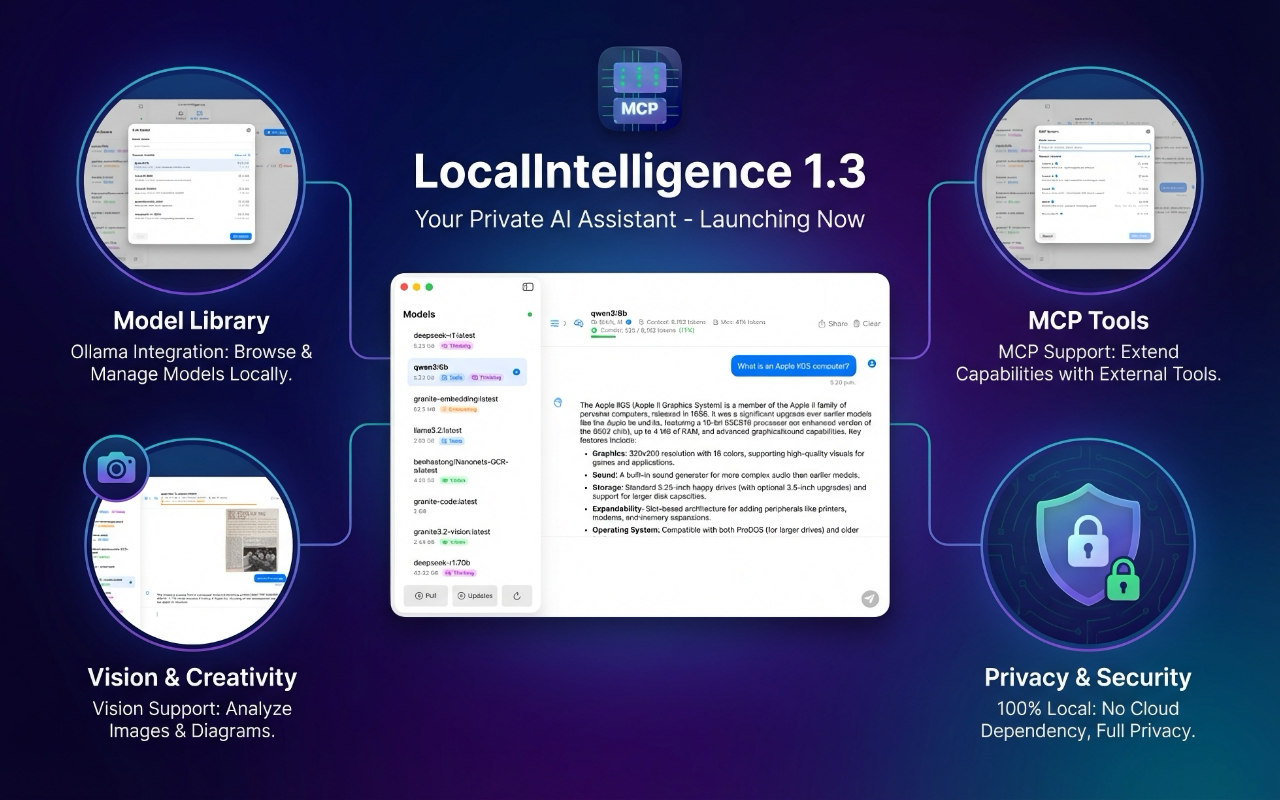
Use Gemma 4 locally on macOS with Ollama and LocalIntelligence
Following the significant leap forward achieved with the proprietary Gemini 3 Pro late last year, Google is bringing its world-class research and technology to the open-source community. Today marks the launch of Gemma 4, Google’s most intelligent family of open-weight models to date.
Purpose-built for advanced reasoning and complex agentic workflows, Gemma 4 is designed to deliver an unprecedented level of intelligence-per-parameter. Building on the massive success of previous generations—which saw over 400 million downloads and spawned a vibrant ecosystem of more than 100,000 variants—Gemma 4 provides developers with frontier-level capabilities without the massive hardware overhead typically required.
A Versatile Lineup: From Smartphones to Workstations
To accommodate a wide array of hardware and use cases, Google is releasing Gemma 4 in four distinct sizes. For the unfamiliar, parameters are the underlying settings an AI model uses to generate output; while higher parameter counts generally yield better results, they also demand more computing power. Google has meticulously engineered the Gemma 4 lineup to maximize efficiency across the board:
- For the Edge (E2B and E4B): Engineered from the ground up for mobile and IoT devices, the “Effective” 2-billion and 4-billion parameter models prioritize low-latency processing, minimal RAM usage, and battery preservation. Developed in collaboration with mobile hardware leaders like Qualcomm, MediaTek, and Google’s own Pixel team, these models run completely offline with near-zero latency on devices ranging from smartphones to Raspberry Pis.
- For Workstations and the Cloud (26B MoE and 31B Dense): Designed for frontier intelligence, the unquantized weights of these models fit efficiently on a single 80GB NVIDIA H100 GPU, while quantized versions run natively on consumer gaming GPUs. The 26B Mixture of Experts (MoE) model is hyper-optimized for speed, activating only 3.8 billion of its parameters during inference to deliver exceptionally fast tokens-per-second. Meanwhile, the 31B Dense model is built to maximize raw quality, serving as a powerful foundation for fine-tuning.
Gemma 4’s efficiency is already making waves. On Arena AI’s highly competitive text leaderboard, the 31B and 26B variants recently claimed the #3 and #6 spots globally among open models, outperforming rival systems up to 20 times their size.
Next-Generation Capabilities
The entire Gemma 4 family moves well beyond simple chat interfaces, offering a suite of advanced features designed for real-world application:
- Multimodal Mastery: All models natively process video and images, excelling at tasks like optical character recognition (OCR) and chart understanding. Furthermore, the E2B and E4B edge models feature native audio input for speech recognition.
- Agentic Workflows: With native support for function-calling, structured JSON output, and system instructions, developers can build autonomous agents capable of reliably interacting with diverse APIs and tools.
- Offline Code Generation: Gemma 4 acts as a powerful local-first AI coding assistant, allowing developers to generate high-quality code—or engage in “vibe coding”—entirely without an internet connection.
- Massive Context Windows: The edge models feature a 128K context window, while the larger models boast up to 256K, allowing users to process massive code repositories or lengthy documents in a single prompt.
- Global Reach: Natively trained on over 140 languages, the models are built to support inclusive, global applications.
The Big Shift: Apache 2.0 Licensing
In a major move for the open-source community, Google is releasing the Gemma 4 family under the commercially permissive Apache 2.0 license, a significant departure from the custom licenses used for previous Gemma models.
This pivot was driven by community feedback and a desire to remove restrictive barriers. “This open-source license provides a foundation for complete developer flexibility and digital sovereignty; granting you complete control over your data, infrastructure and models,” Google stated. The move has already been praised by industry leaders, with Hugging Face CEO Clément Delangue calling the Apache 2.0 release a “huge milestone.”
An Ecosystem of Choices
Gemma 4 is built on the same rigorous security protocols as Google’s proprietary models, offering enterprises a trusted and transparent foundation. It is also designed to plug seamlessly into the tools developers already use.
The models feature day-one support for platforms like Hugging Face, LiteRT-LM, vLLM, Ollama, and NVIDIA NIM. Developers can download the model weights directly from Hugging Face, Kaggle, or Ollama, and begin experimenting immediately via Google AI Studio or the Google AI Edge Gallery. For those looking to scale, Google Cloud offers deployment through Vertex AI, Cloud Run, and TPU-accelerated serving, while the models remain fully optimized out-of-the-box for leading hardware from NVIDIA, AMD, and Google.
With Gemma 4, Google is not just offering a scaled-down version of its flagship AI; it is providing the open-source community with a highly efficient, remarkably intelligent toolkit ready to power the next generation of AI development.
How to use these AI models locally on macOS?
Ollama is probably the easiest way to install and run local open AI models and it is available for macOS, Windows y Linux.
Although Ollama provides a GUI that reminds us of ChatGPT, many important operations can only be executed from the command line (CLI). For example, downloading a new model or updating an existing one are tasks that can only be done using the terminal.
That is why you should probably download a graphic front-ed for Ollama. The good news is that there are many free options available for all major OSes.
That said, for macOS, which is a great platform to run AI models locally, thanks to the mighty power of Apple’s processors, let me recommend you my own app, Local Intelligence. It is much more than a basic graphic front-end, as it unlocks many advanced operations such as customizing model parameters and also provides complete support for MCP (Model Context Protocol), which is the cornerstone of Agentic AI.
LocalIntelligence is available as a free download from Apple’s App Store. That version provides support for remote MCP servers (using TCP/IP). However, if you also need support for SDTIO local MCP servers, then you will need to download the notarized version of the app from my personal web page, as this requires operations that cannot be executed in a sandboxed environment. Since both versions are free, download the one that best fits your particular needs and enjoy!