






Stylish Word Clouds 2.01
Stylish Word Clouds: A Powerful Word Cloud Creator for macOS
Word clouds are a timeless way to visualize text — turning paragraphs into striking visual summaries where the most frequent words appear largest. Stylish Word Clouds is a free native macOS app that takes this concept and gives you full creative control over every aspect of the result.
From Text to Art in Seconds
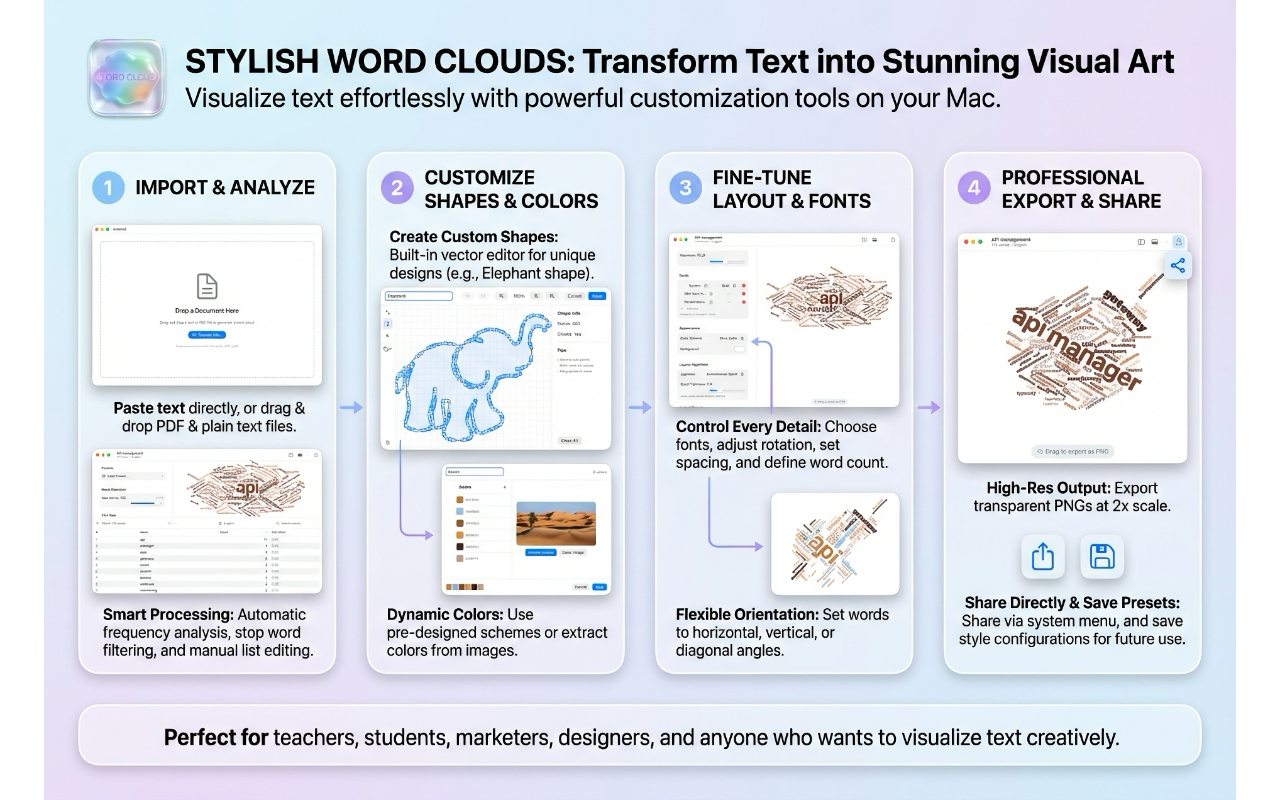
Getting started is straightforward: drop a text file or PDF onto the canvas, and the app analyzes your text, counts word frequencies, filters out common stop words, and generates a word cloud. It even detects the language of your text automatically. But the real power is in what comes next.
Deep Customization
Fonts
Stylish Word Clouds ships with 17 hand-picked custom fonts — from the clean geometry of Alan Sans to the playful curves of Love Is Amour and the bold impact of Stone Tomb. You can also choose from popular system fonts like Futura, Helvetica Neue, and Georgia.
What makes the font system unique is font cycling: you can select multiple font styles, and words will rotate through them, creating visual variety without any manual effort.
Colors
Eight built-in color schemes give you a starting point — Wine Cellar for rich burgundy tones, Beach Paradise for ocean blues, 80’s for retro neon, and more. But you can also create your own palettes from scratch or extract colors directly from an image you drop onto the editor.
Custom color schemes are saved to a library, so you can reuse them across projects.
Shapes
Beyond the standard rectangle, oval, circle, and star, the app includes a full vector shape editor. Draw custom shapes with Bezier curves, import outlines from SF Symbols, or browse a library of saved shapes. Words will fill whatever form you create.
You can also add a stroke outline to your shape and control its width and color.
Orientation
Ten orientation presets control how words are rotated: horizontal, vertical, diagonal, radial, or completely random. A custom mode lets you define exact rotation ranges and how many discrete angles to use — from perfectly aligned grids to organic, free-flowing layouts.
Layout
Two placement algorithms — Archimedean Spiral and Rectangular Spiral — determine how words are packed together. A spiral tightness slider gives you fine control over density, from airy and spacious to tightly packed.
Presets
Five built-in presets — Classic, Modern, Minimal, Vibrant, and Elegant — offer professionally designed starting points. Each captures a complete configuration: fonts, colors, shape, orientation, and layout settings. Save your own configurations as presets to reuse later.
The Word Table
A toggleable word table shows every word with its frequency count and relative size factor. You can edit words and counts directly in the table, add custom words, delete words you don’t want, search and filter, and sort by any column. Changes are reflected in the cloud immediately.
Animated Word Clouds
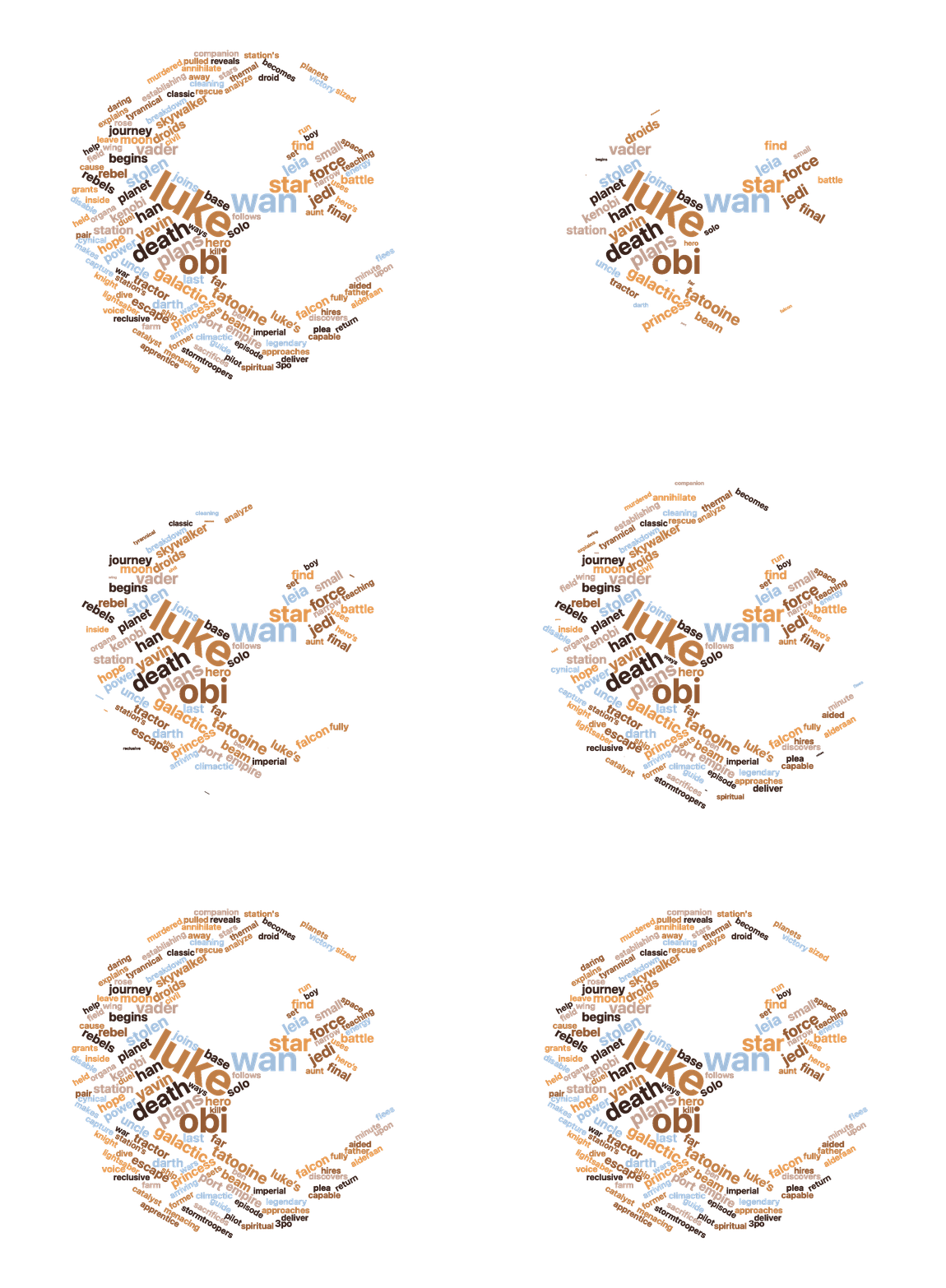
One of the standout features is animated word cloud export. A dedicated preview window shows your word cloud building up in real time with one of three entrance effects:
- Fade In — words appear gradually with increasing opacity
- Scale Up — words grow smoothly from nothing to full size
- Pop — words overshoot slightly and bounce into place
You can adjust the animation duration from 1 to 15 seconds, and the preview loops continuously so you can see exactly what you’ll get. Export as GIF (with optional looping) or MP4 video.
Export Formats
For static exports, you get three options:
- PNG — high-resolution raster images at 2x scaling
- SVG — true vector output with text converted to paths, perfect for scaling to any size
- PDF — vector quality with embedded typography
You can also drag the word cloud directly from the canvas into other apps.
A native macOS experience
Stylish Word Clouds is built with SwiftUI and feels like it belongs on macOS. Full keyboard shortcuts, undo/redo with named actions, a native share button, recent documents, and a proper save/open workflow with a custom .wordcloud document format. Your projects save everything — text, word frequencies, and all configuration — so you can pick up right where you left off.
Available for free from the Apple App Store.