






Stylish Word Clouds 3.0 is available for download
August 15, 2026
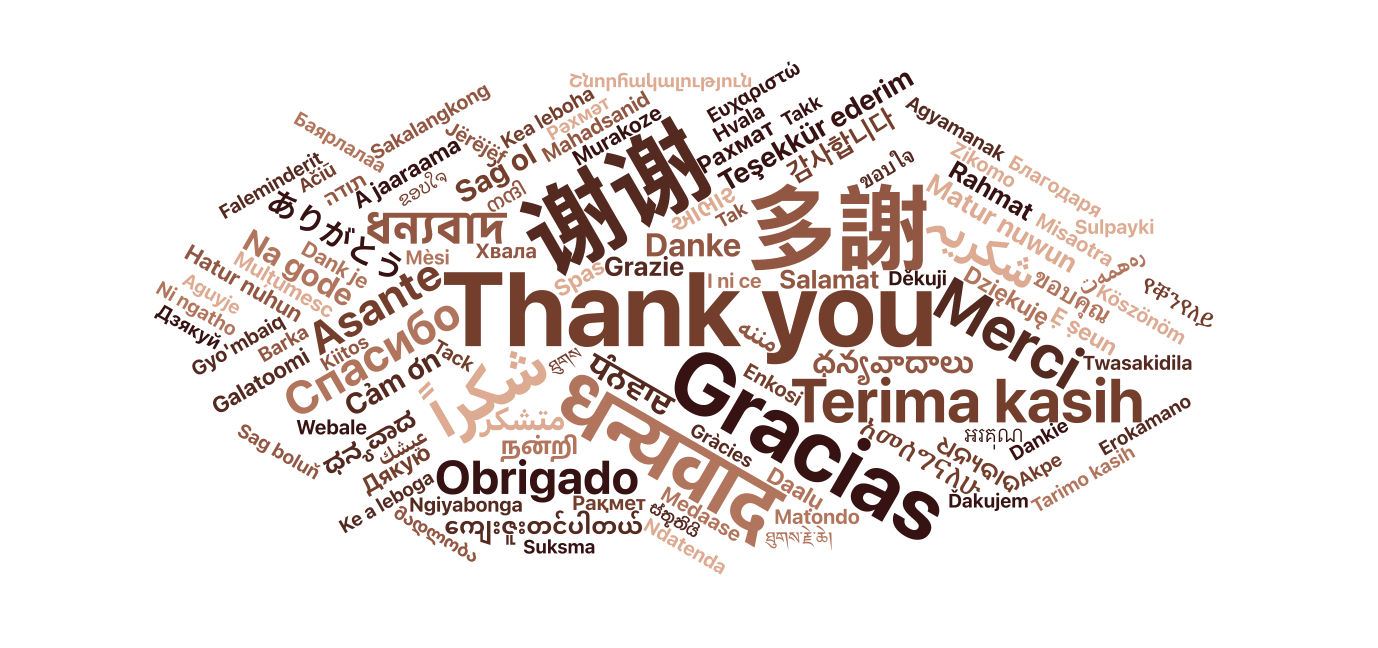
After taking a long and probably underserved vacation with my wife, I am back to work and happy to announce that Stylish Word Clouds 3.0 is now available for download from the Apple App Store.
This is a major overhaul of the app that contains many significant bug fixes and performance improvements, but also a large number of new features. Here’s the complete list:
Layout
Three new ways to arrange a cloud, alongside the two spirals:
- Mosaic — words set in justified rows, the way type is set on a poster, rather
than scattered. No rotation and no gaps at the ends of lines. - Open Space — each word sent straight to the nearest opening it fits in, found by
measuring where the room is rather than by walking outward until it trips over some. - Even Spread — each word sent to the emptiest part of the canvas instead of the
nearest opening, so the words work outward from the first one. A few words on a large
canvas fill it corner to corner instead of floating in the middle of it. - Word spacing sets the border each word keeps around itself, in points. Turn it down for dense packing, up for an airy arrangement.
Type
- Text effects — an outline and a drop shadow, set per font rather than for the
whole cloud, so a display face and a text face can be treated differently. Both are
measured as a proportion of the type size, so a 72 pt word and a 12 pt word are
outlined in the same relationship rather than the same number of points. - Font pairing by rank — keep the first font for the most frequent words and choose
how many that is; everything behind them cycles through the remaining fonts. The
alternative, dealing the fonts round one at a time, is still there. - Letter case — draw the words as written, in lower case, UPPERCASE, or Capitalized,
independently of how they were counted. - Font size scale — choose how a word’s count becomes its size: linear, square root,
or logarithmic. Real text is heavily skewed, and a straight linear mapping pins every
word but the most frequent one to the minimum size.
Color
- Color from a picture — the cloud takes each word’s color from a photograph at the
point the word sits on it. - Color by frequency — spread the palette across the size range so color carries
frequency as well as size, instead of cycling by position. - Depth — fade the rarer words back, so the cloud reads as having depth.
Words
- Phrase detection — words that keep appearing together are kept as one entry:
“machine learning” rather than “machine” and “learning”, two words that each look
half as important as the idea. A checkbox on the drop window decides this per
document, starting from your setting. - Merge — select several rows in the word table and combine them into one, adding
their counts together. - Per-word control — give a single word its own emphasis, its own color, or keep it
horizontal while the rest of the cloud turns. - Editing — change a word and its count directly.
- More languages counted properly — stop-word lists for Japanese, Chinese and Korean,
a Dutch list brought up to the standard one, and a minimum word length that understands
scripts, so Chinese and Japanese words are no longer filtered out for being short.
Canvas and export
- Canvas size — the cloud is now composed at a size of its own (A4, US Letter, etc.)
in both orientations, or any other size you name. - PNG export options — choose the resolution, and a transparent or white background.
- Export word clouds animations in SVG Documents
- Unsaved work is protected — closing a window or quitting asks before discarding
changes, and the window shows as edited while there is something to lose. - More documents can be read — RTF, Word and OpenDocument files, and plain text in
whatever encoding it was saved in rather than assuming UTF-8. - Clearer failure messages. A file that yields nothing now says why: it is empty, it could
not be read, or it is a PDF of page images with no text in it. - Older files keep opening — documents, shapes, color schemes and presets are read
field by field, so a file written before a setting existed still opens. - Changing an import setting offers to reprocess the open document rather than doing
it silently or not at all.
I am quite happy with the result and I hope you all enjoy using Stylish Word Clouds 3.0.